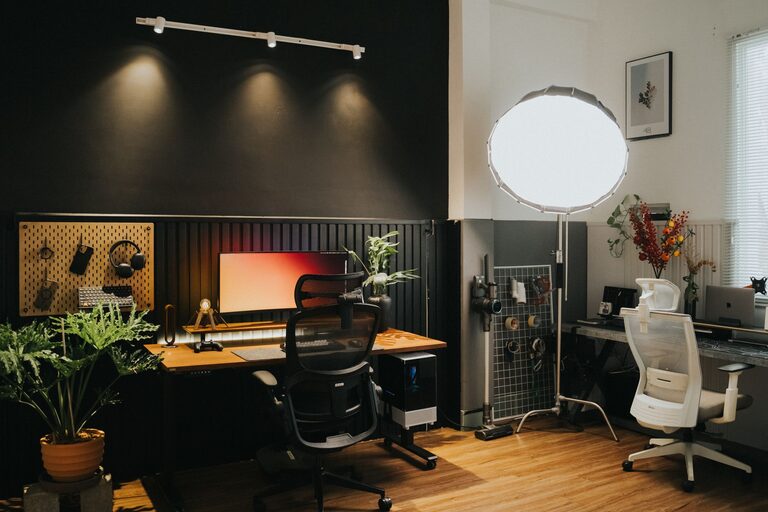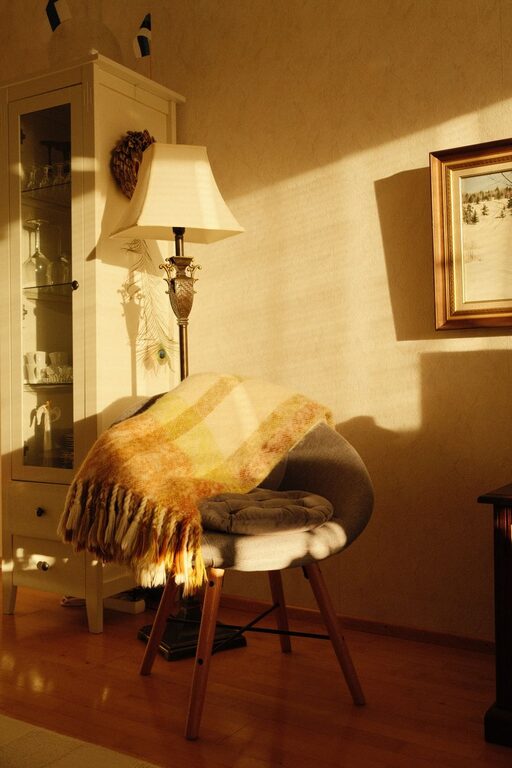

Creating a relaxing home workspace is essential for anyone working remotely or spending significant time at home on professional tasks. An inviting and well-organized environment not only helps keep stress at bay but also boosts your productivity and creativity. In this post, we’ll explore effective tips for designing a calm and comfortable home office that supports your work goals.
Why a Relaxing Workspace Matters
Before diving into the how-to, it’s helpful to understand why your workspace atmosphere impacts productivity. When your environment is cluttered, noisy, or physically uncomfortable, it can be distracting and exhausting. Conversely, a soothing and organized area encourages focus, reduces anxiety, and promotes a positive mindset. This combination allows you to get more done with less effort.
Choose the Right Location
Pick a Dedicated Spot
Ideally, select a specific area in your home to act as your workspace. This could be a spare room, a corner in the living room, or even a part of your bedroom. Having a dedicated zone signals to your brain that it’s time to work, helping you switch into a productive mindset quickly.
Consider Natural Light
Natural light has been shown to improve mood and energy levels. Position your desk near a window if possible, so you benefit from daylight throughout your workday. If natural light is limited, invest in quality artificial lighting that mimics daylight to reduce eye strain.
Invest in Comfortable Furniture
Choose an Ergonomic Chair
A supportive chair is one of the most important pieces of your workspace. It helps maintain good posture and prevents discomfort during long hours of sitting. Look for chairs with adjustable height and lumbar support.
Select a Suitable Desk
Your desk should be the right size to fit your computer, documents, and any other tools you need while allowing you enough space to work comfortably. Adjustable desks that can convert between sitting and standing positions provide extra health benefits.
Minimize Clutter and Organize Supplies
Keep Essentials Within Reach
Organize your workspace so that frequently used items like pens, notebooks, and chargers are easy to access but don’t crowd your desk. Use organizers, trays, or small containers to keep supplies neat.
Declutter Regularly
Take a few minutes at the end of each day to put away papers, clear your desktop, and organize your space. A clean area helps maintain mental clarity and reduces distractions.
Use Calming Colors and Decor
Choose Soothing Colors
Color affects mood and productivity. Soft, neutral tones such as light blues, greens, or beige can create a calm atmosphere. If you prefer more vibrant shades, balance them with lighter accents.
Add Personal Touches
Include decor that makes you feel relaxed and inspired. This might be a few framed photos, a small plant, or artwork that you enjoy. Just be careful not to overcrowd your workspace with too many decorations.
Manage Noise and Distractions
Use Noise-Canceling Devices
If your home is noisy, consider noise-canceling headphones or white noise machines to reduce interruptions. This can help improve concentration, especially during tasks requiring deep focus.
Set Clear Boundaries
Communicate your work hours and expectations with family or housemates to minimize disturbances. Use signs or closed doors to indicate when you are unavailable.
Incorporate Natural Elements
Add Greenery
Plants have been proven to reduce stress and increase productivity. Small indoor plants like succulents, pothos, or spider plants are easy to care for and brighten up any workspace.
Use Natural Materials
Furniture and decor made of wood, bamboo, or other natural materials contribute to a warm, relaxing environment.
Establish a Routine and Break Time
Schedule Regular Breaks
Taking short breaks throughout the day helps maintain energy and focus. During breaks, step away from your desk, stretch, or take a short walk.
Personalize Your Routine
Whether it’s starting work with a cup of tea or ending your day by tidying your desk, consistent rituals help create a structured workday and signal transitions between work and rest.
Optimize Technology Setup
Use Cable Management
Organize cables and cords with clips or cable sleeves to avoid clutter and tripping hazards. A tidy tech setup looks better and reduces stress.
Ensure Good Internet and Equipment
Reliable technology is key for productivity. Ensure your internet connection is stable and that your devices are up to date and functioning smoothly.
Final Thoughts
Creating a relaxing home workspace doesn’t require a large budget or a complete home renovation. Small adjustments — like improving lighting, adding plants, or investing in ergonomic furniture — can make a significant difference. By designing a space that feels calm and comfortable, you set yourself up for better focus, higher productivity, and an overall positive work-from-home experience. Take some time to assess your current workspace and try implementing several of these tips to see what works best for you.